





Getting started
Is this European or Brazilian Portuguese?
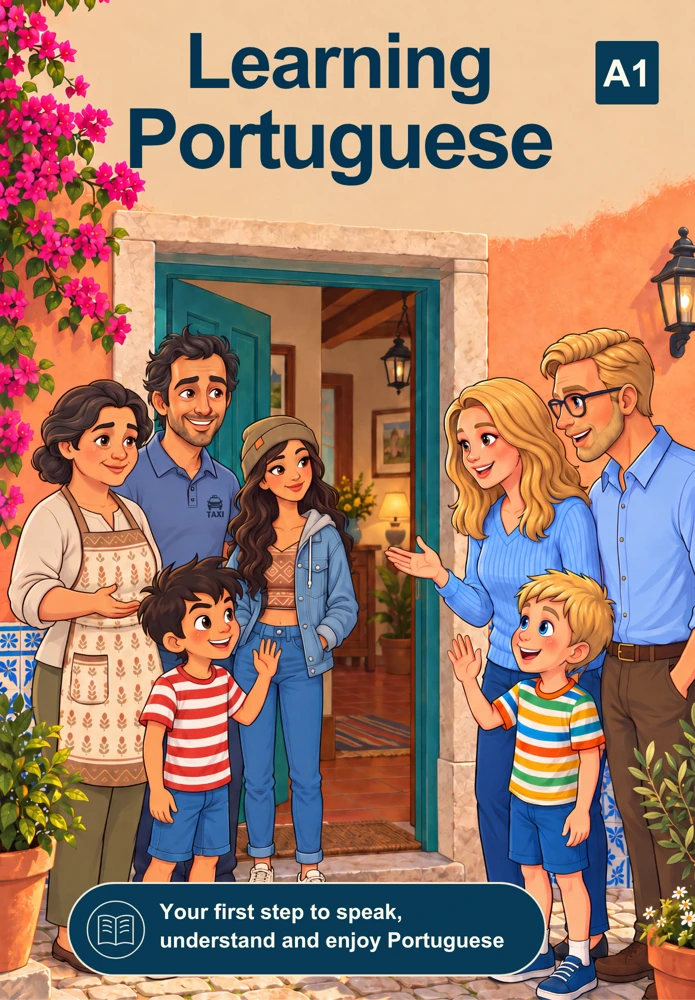
Learning Portuguese focuses on European Portuguese as spoken in Portugal, including its pronunciation, vocabulary, expressions and cultural context.
Where should a complete beginner start?
Start with Guided Journey and the A1 unit Greetings & Introductions. Begin with Basic Greetings, then follow the activities in order. The Book, Series, Dialogues, Music and Study Sheets give you more ways to explore European Portuguese.
Do I need an account to try a lesson?
No. You can try and complete Basic Greetings before creating an account. After your result, you can sign in or register to save that activity. Visitor progress is temporary.
What is included in a free account?
A free account saves supported learning progress and gives access to the free areas shown on the site. The access information on each activity tells you whether it is free or requires Membership.
What is the difference between Guided Journey and Lessons?
Guided Journey combines the lesson path with related activities, such as dialogues and scenes from the Series. Lessons shows the lesson path on its own, without those additional activities. Completing the same lesson in either place updates the same progress record.
What are Lessons?
Lessons are interactive European Portuguese activities organised by CEFR level and topic. Exercises can include vocabulary, meaning, writing, matching and listening.
Ways to learn
What is the animated Series about?
The Series follows characters experiencing life in Portugal and teaches useful European Portuguese through story, context and dialogue. Choose Complete Episodes, Short Episodes or Music on the Series page. Short Episodes are grouped by episode, with the individual parts inside.
How should I use Dialogues?
Listen to the conversation, read the Portuguese transcript and reveal a translation when you need support. Explore useful vocabulary, then complete the exercises. Each dialogue brings together listening and practice around an everyday situation.
What is Smart Review?
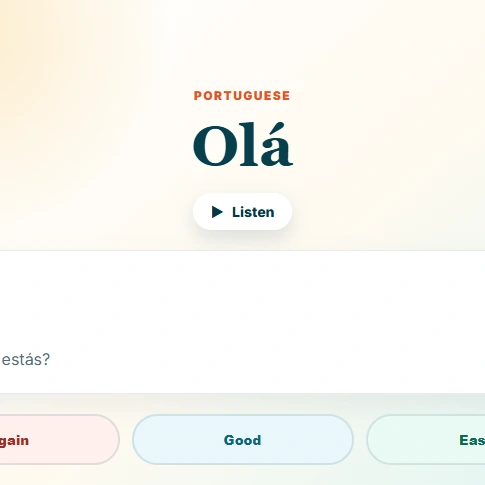
Smart Review helps you revisit vocabulary with flashcards. Try to recall the meaning, reveal the answer, then choose Again, Good or Easy. Your choice helps schedule the next review. It is useful alongside Lessons, Dialogues and Grammar.
Can I add my own flashcards?
Smart Review includes an import option for custom vocabulary with Membership. Open the import panel for the supported file formats and column instructions. You can also save supported vocabulary from Dialogues and the verb library to review later when signed in.
Where can I check grammar and verb conjugations?
Open Grammar for guides and practice on verbs, prepositions, articles and pronouns. The verb library lets you search for a verb and explore its tenses and conjugations.
Can I listen to the music for free?
Visitors can listen to a free excerpt. A free account unlocks full online listening, with lyrics and translations on the Music page. Music downloads are a separate Membership benefit.
Progress and preferences
Why might progress differ between devices?
Sign in with the same account on each device and allow an activity to finish saving before leaving the page. Account progress is saved for supported activities; work completed as a visitor is temporary. Open My Progress to see your learning record.
How are XP and badges calculated?
Eligible learning activities award XP according to their scoring rules. Simply opening a page or playing audio or video does not award completion XP. My Progress shows your activity record and badges for completed activities. XP reflects participation and results; it is not a certificate of language ability.
Does completing an activity mean I got every answer right?
No. Completion means you submitted the required answers. An activity can be completed with mistakes. Read the feedback and keep practicing; completion and long-term understanding are different things.
How do colour themes work?
Use the theme control in the header to choose Classic, Portugal or Dark. Changing the theme changes the appearance, without changing your lessons, access or progress. Your choice is remembered in your browser and saved to your account when signed in.
Can I learn on my phone?
Yes. You can open the website in your phone’s browser and sign in with the same account. An internet connection is needed to load activities, play online media and save account progress.
Membership, Book and private lessons
How does Membership work?
Membership adds the complete practice path, members-only exercises, music downloads and custom flashcard imports. Your Account shows your membership status. Check the access information before choosing a plan; resources marked as free remain available without Membership.
Are the Book and private lessons included in Membership?
No. The Book, private lessons and Membership are separate purchases. Membership provides the self-study benefits listed on its page. Buying the Book or booking a private lesson does not automatically include Membership, and Membership does not include one-to-one lessons.
How do I cancel a membership?
Open Account and use the membership management option. If you purchased through another platform, manage the subscription with that provider. Cancelling renewal and deleting an account are separate actions. Check the cancellation confirmation for the date your access ends.
Where can I buy the Book?
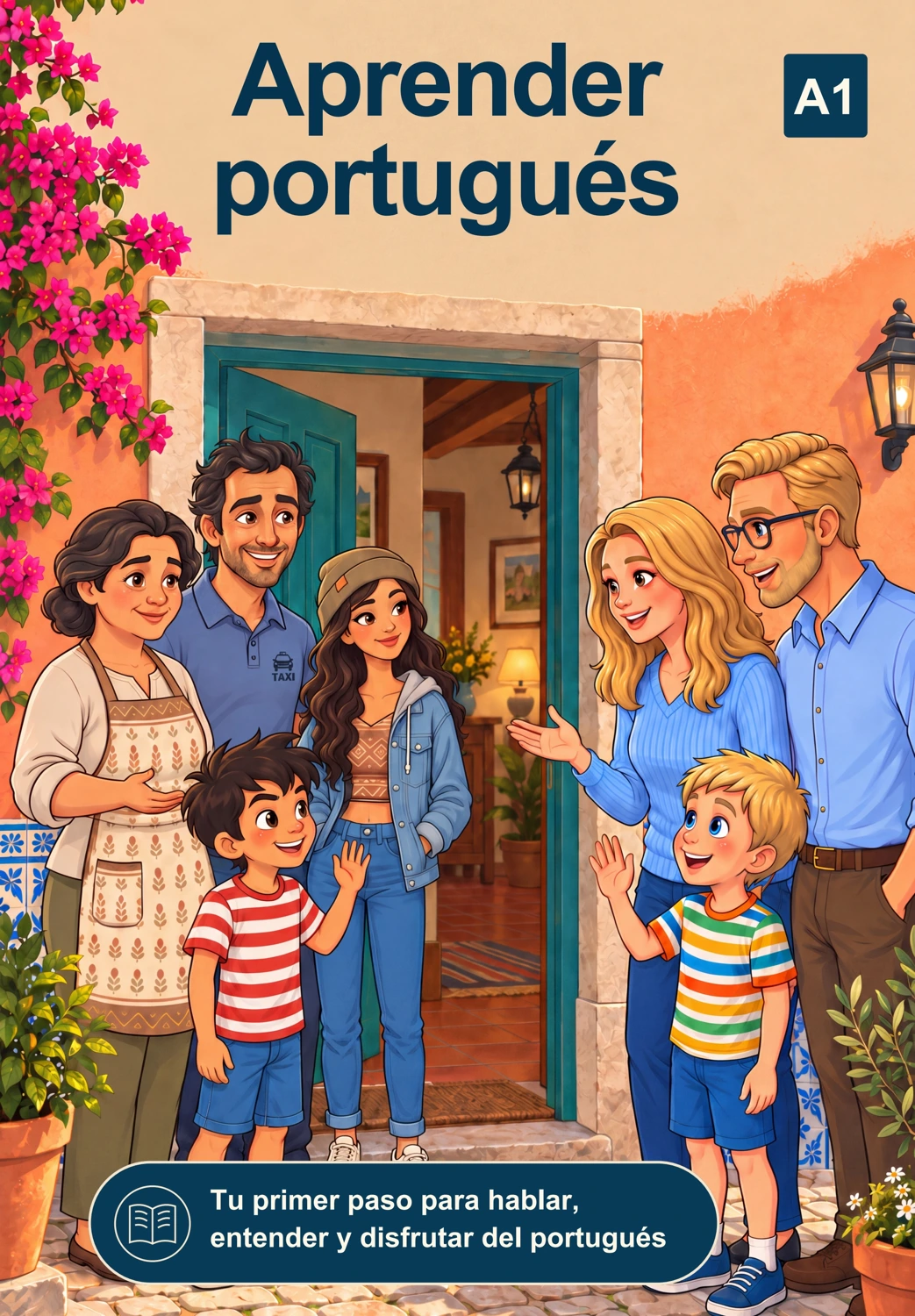
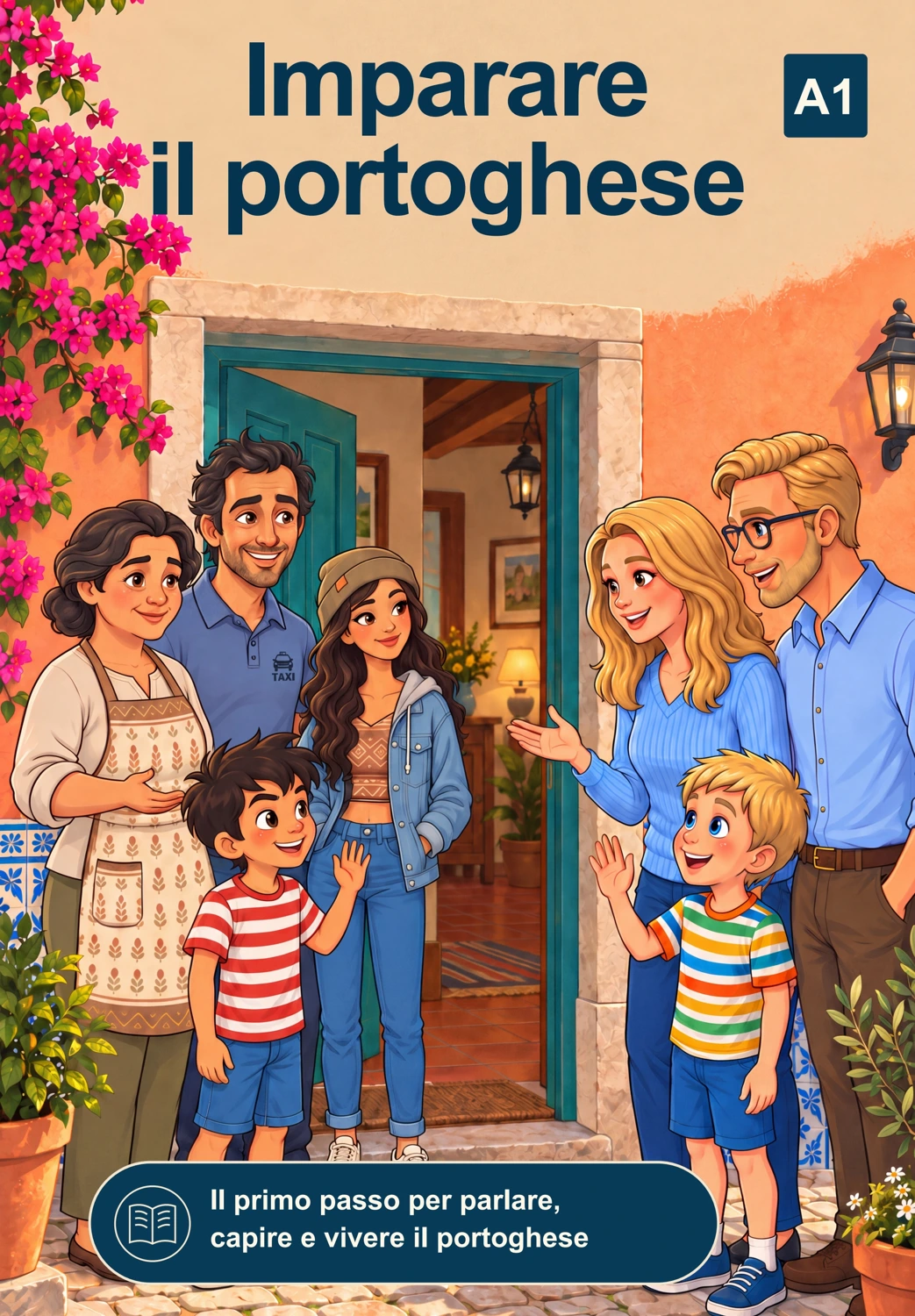
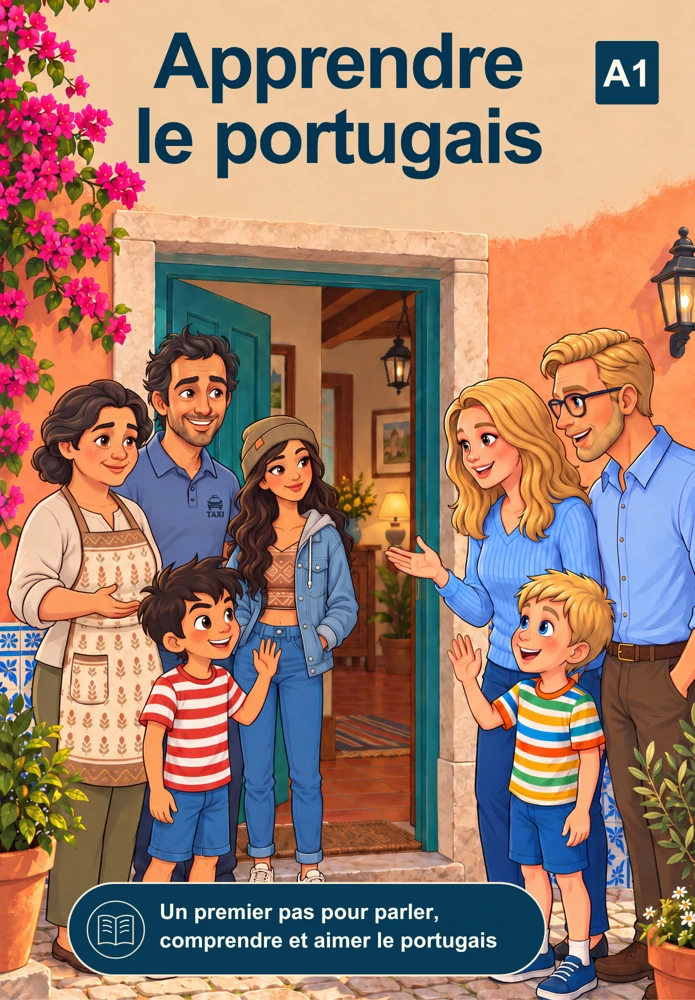
Available formats and current purchase platforms are listed on the Book page, where you can also read the free sample. External purchases are governed by the chosen platform’s checkout and delivery terms.
Do you offer private lessons?
Yes. Daniel offers one-to-one European Portuguese lessons focused on speaking, pronunciation, confidence and real-life communication. On the Private Lessons page, choose direct booking on this website or Daniel’s ClassGap profile.
Account and support
How can I request account deletion?
Contact us for help with account deletion. Manage any recurring subscription separately with the provider that processed it; an account-deletion request does not itself cancel billing.
How can I report a problem?
Use Feedback or Contact for bugs, exercise issues, account questions or membership support. Include the page, the activity and what happened. Never send your password or full payment-card details.
Still have questions?
Send a message about the learning path, account, membership, Book, Series or private lessons.
Contact Me